Phone app
One person from the Bible,
in the palm of your hand
Point your phone's camera at the QR code and the install screen opens. Tap “Install” and the app lands on your home screen and opens.
- 01Open the camera
- 02Point it at the QR code
- 03Tap “Install”
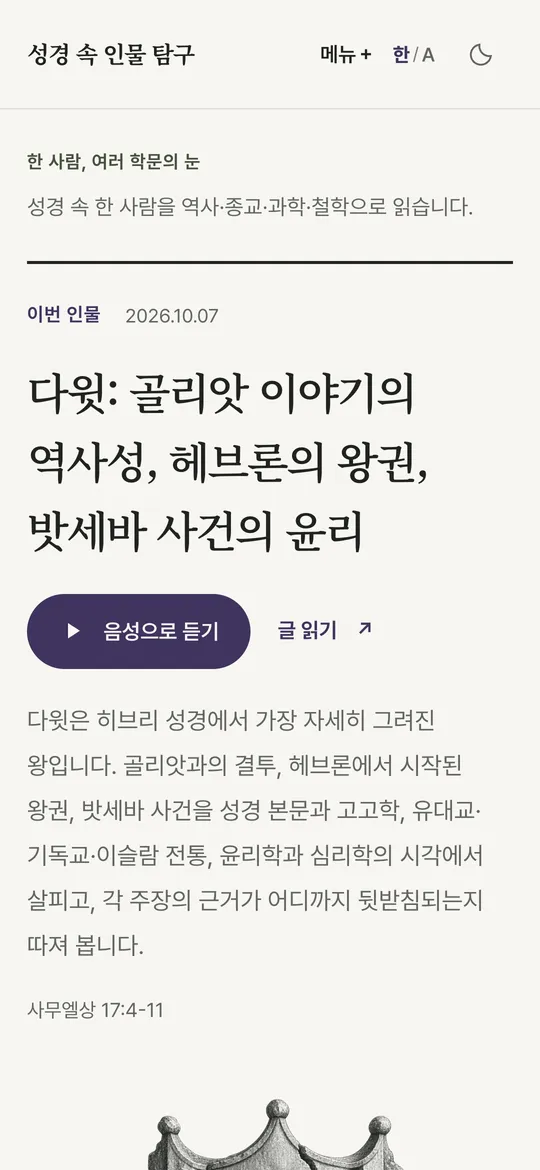

People of the Bible
One person, many lenses
- FreeNo ads
- Two editionsScholarly · General
- ListenRead aloud
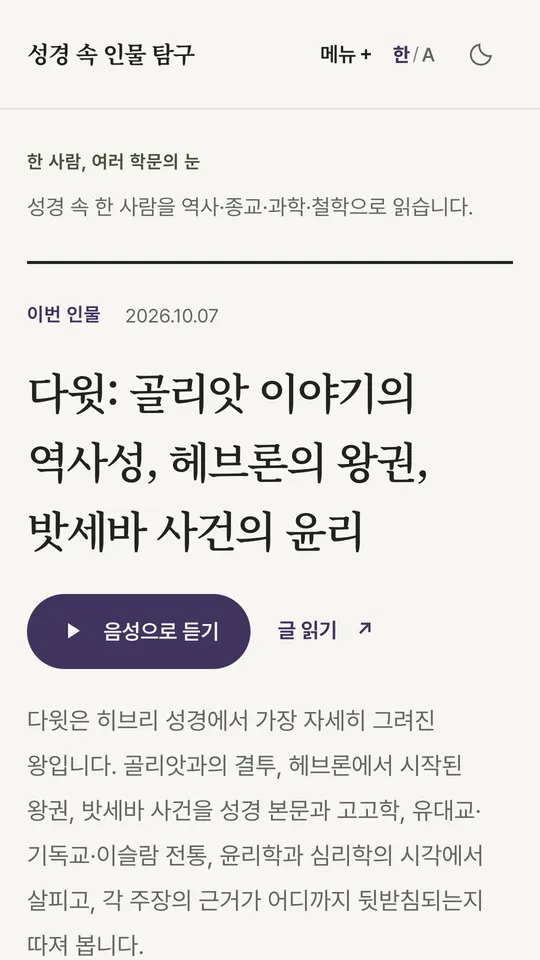
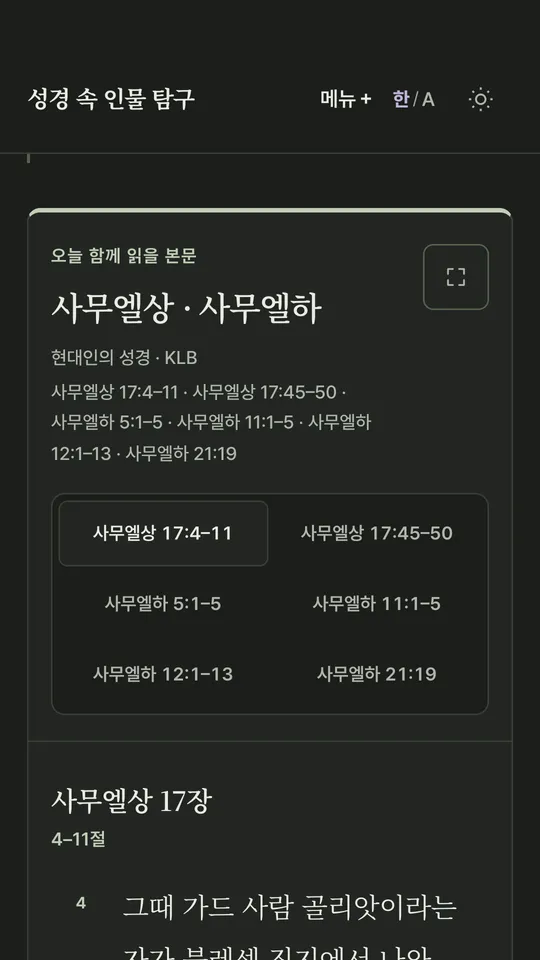
The app opens as soon as it is installed
Share the app
Point your friend's
camera at this code
On the page that opens, “Install” puts the app on their phone.
For a friend who is far away, send it by message